This article provides instructions for exporting contacts from a @my.bcit.ca email account. Exporting your address book allows you to retain your contacts and import them into another email platform if needed.
- Log into myBCIT.
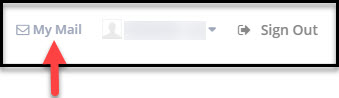
- Click the My Mail link in the menu in the top-right corner.
- In your myBCIT email, click on Contacts.

- Click on the drop-down menu to the right of Export, and click on “Export all”, or select specific contact(s) and click on “Export selected”.

A file should appear on the bottom-left corner of your screen.
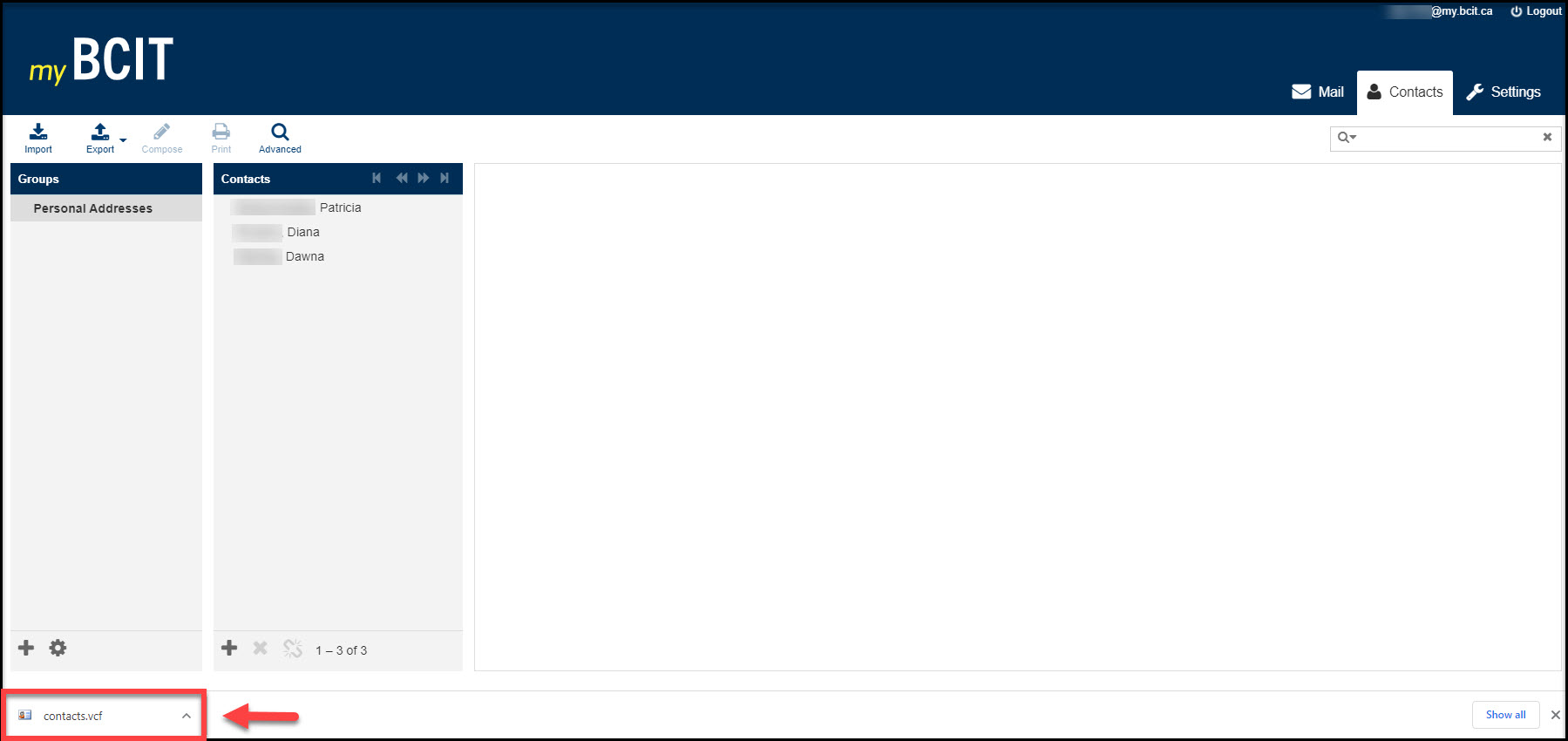
The exported contacts can be found as “contacts.vcf” in your “Download” folder.