Licensing Change - September 1, 2026
Please note that as of September 1, 2026 BCIT students can claim an Adobe Creative Cloud Pro Plus subscription. Subscriptions for the 2026 Fall semester can only be requested on or after September 1, 2026. To avoid issues with accessing Adobe Creative Cloud Pro Plus software, please ensure that you review this article.
Changes are happening to BCIT’s Creative Cloud licensing on September 1st, 2026. Certain AI features will NOT be available until then.
BCIT students can access Adobe Creative Cloud Pro Plus subscriptions for use on personal devices or in BCIT labs. However, access to Adobe software is not automatic. Students must first claim their Adobe Creative Cloud Pro Plus subscription before they can begin using the software.
This article covers essential topics to help students effectively use Adobe software.
Understanding Adobe subscriptions
Your eligibility for Adobe subscriptions depends on your enrolment status. The section below explains the available subscription types, the steps you need to take before your subscription expires, and what to do if your subscription expires but you’re still enrolled at BCIT.
Adobe Generative AI
The updated Adobe agreement provides access to Generative AI features in Adobe Creative Cloud Pro Plus. Adobe categorizes these capabilities as Standard AI and Premium AI features, which use generative credits based on the feature and level of usage:
- Creative Cloud Pro Plus: Each user receives 1,000 Generative AI credits per month, which can be used with eligible Generative AI features across Adobe Creative Cloud applications
- Generative Credits: Credits are assigned to individual users, reset monthly, and do not carry over from one month to the next. If a user exhausts their Premium AI credits, they can continue using Standard AI features; however, Premium AI capabilities may be unavailable until credits reset at the beginning of the next month
- Additional AI Credit Packs: Faculty, staff, and students who require additional Generative AI credits for Firefly image, vector, video, and audio features can purchase optional annual credit subscriptions of 2,000 or 7,000 credits per month
The credit packs are an annual subscription, but the included credit allocation resets each month. Unused credits do not carry over from one month to the next.
Additional credit packs are currently being implemented and are expected to be available for purchase in early September 2026. Please check back for an update on how to purchase additional credits.
For more detailed information please refer to About Adobe Generative AI
How to claim an Adobe Creative Cloud Pro Plus subscription
In order to use Adobe Creative Cloud Pro Plus on BCIT lab computers or your personal devices, you must first claim an Adobe Creative Cloud Pro Plus subscription. A subscription is required to access any Adobe software.
Accessing and installing Adobe Creative Cloud Pro Plus software
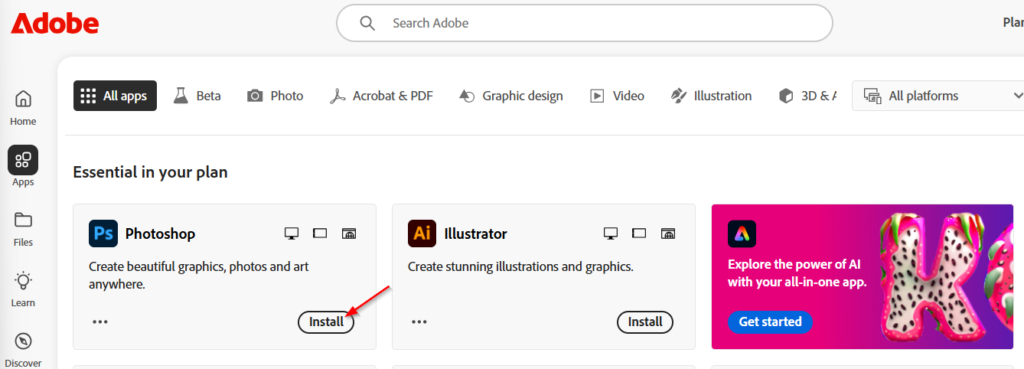
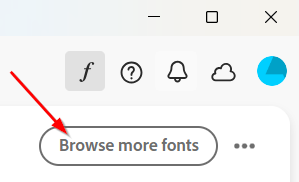
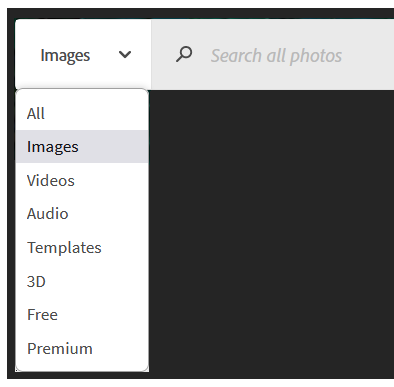
Once you have claimed an Adobe Creative Cloud Pro Plus subscription, you can now access your subscription via the Adobe Creative Cloud website and install Adobe Creative Cloud Pro Plus software. The sections below will outline how to install Adobe software and other components such as fonts and stock images.







Known issues and common problems
Below are some common issues BCIT students have experienced with Adobe products. Please note that BCIT’s IT Services offers limited support for software installed on personal devices.
For more comprehensive support for Adobe products, please visit Adobe’s Help Center.